Cozy games you can play in the browser
These are calm, cozy games that open in the mobile browser in a second. There is no app to install and no account to make. You tap a game and play. They work on iPhone, Android and on a computer, and they are free.
What makes them cozy
Most levels take a minute or two. The sounds are soft and nothing shouts at you. If you lose, the level just starts again, and there are no lives to wait for. Glass Locks has a timer, but when it runs out the level simply starts over.
The games are drawn in the Frutiger Aero style. Frutiger Aero is a look from about 2004 to 2013. You saw it in Windows Vista and Windows 7, on old phones and in ads of that time. It uses glossy glass, water, bubbles, blue sky and green grass.
When they are good
On a short break, in a line, on the bus or before bed. The puzzles have no chat and no shop, so kids can play them too.
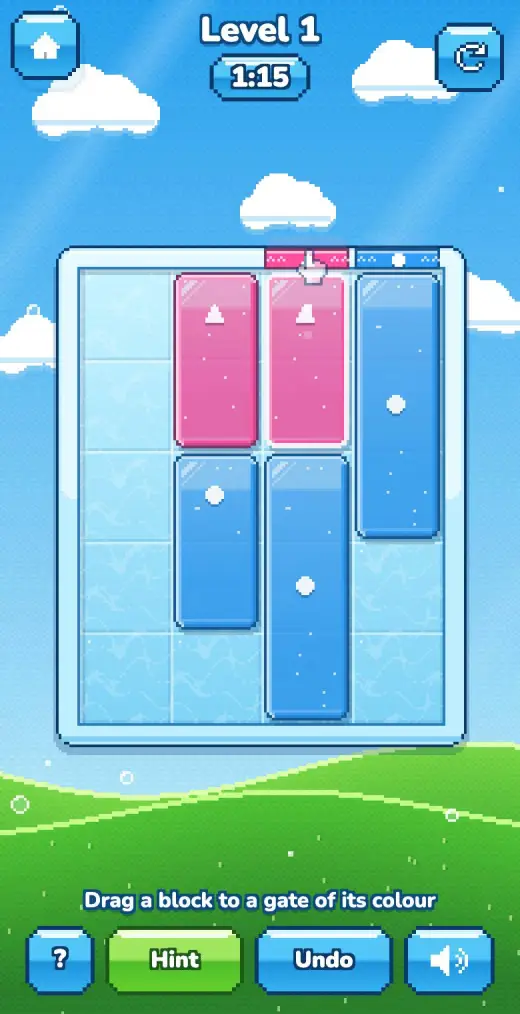 Glass LocksGlass Locks is a calm sliding block puzzle in the glossy Frutiger Aero style: clear glass, sky colours and bubbles.▶ Play
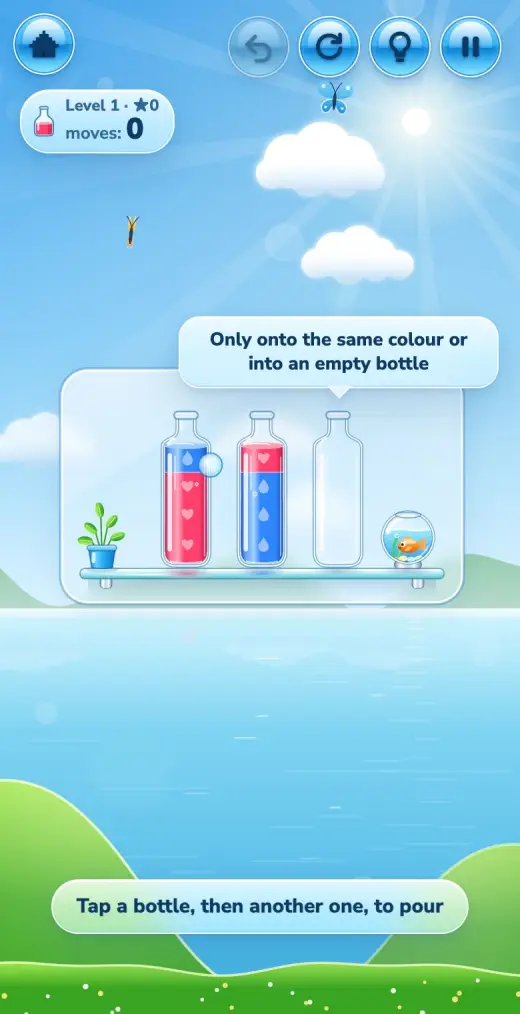 Potion ShelfPotion Shelf is a colour sort puzzle with glass bottles, drawn in the shiny Frutiger Aero style.▶ Play
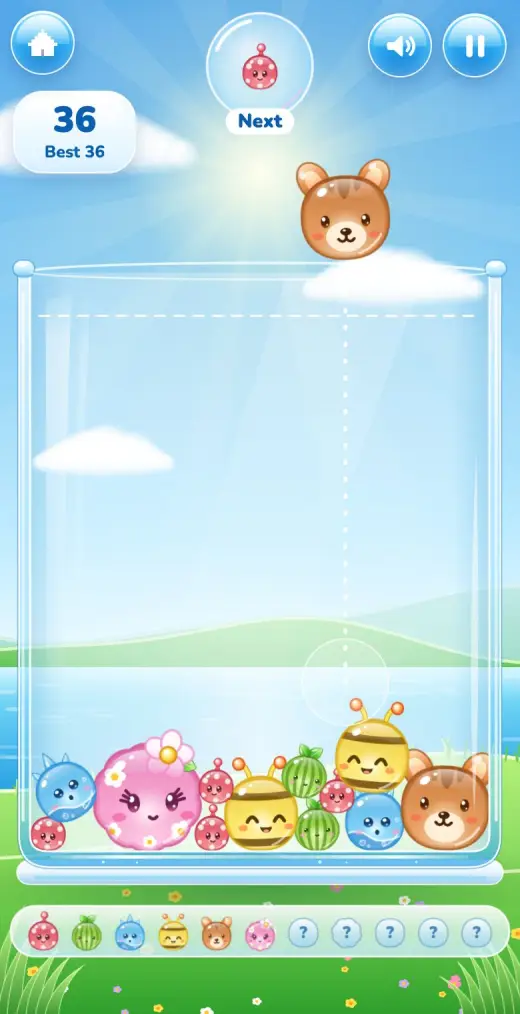 Sticky SlimesSticky Slimes is a merge game set in a glass tank, drawn in the glossy Frutiger Aero style.▶ Play
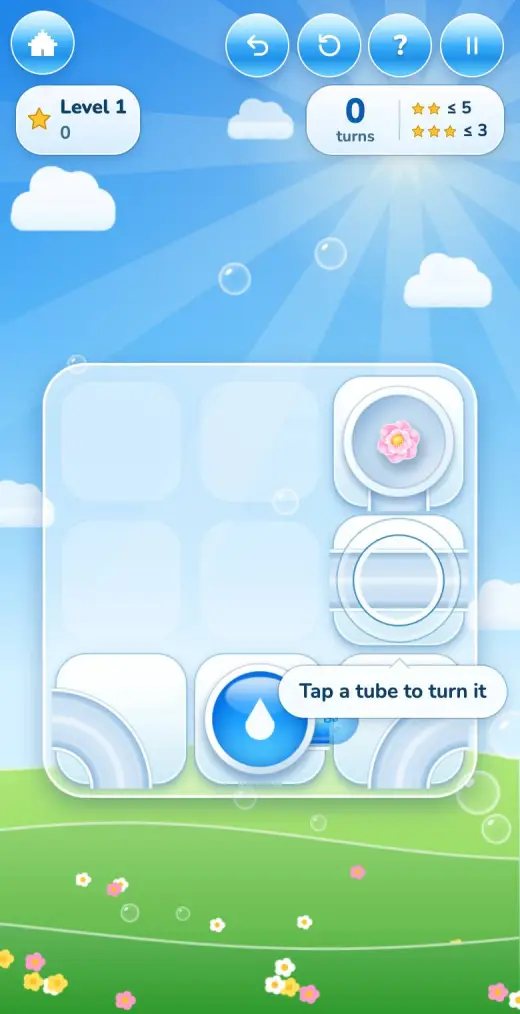 Glass PipesGlass Pipes is a pipe puzzle made of glossy glass tubes in the Frutiger Aero style.▶ Play
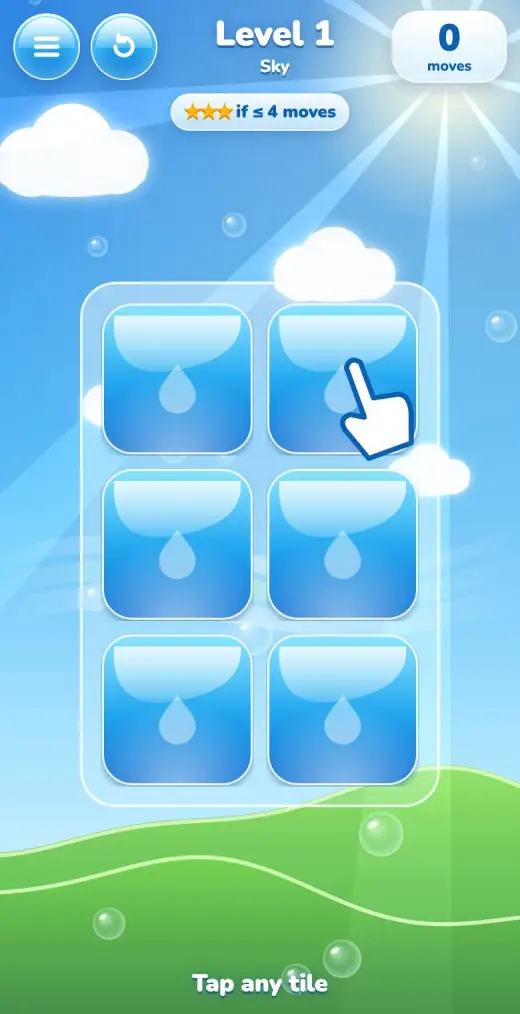 Glass PairsGlass Pairs is a memory game with glossy glass tiles in the Frutiger Aero style.▶ Play
 Koi OutKoi Out is a calm puzzle about a crowded pond full of koi, with a glassy Frutiger Aero aquarium among its scenes.▶ Play
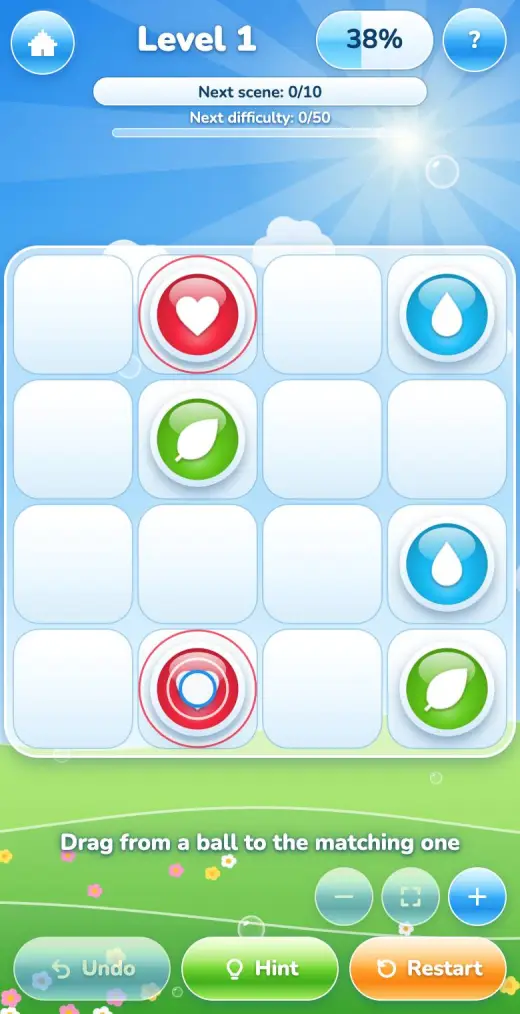 Aqua FlowAqua Flow is a calm pipe puzzle in the Frutiger Aero style, with glassy water orbs.▶ Play
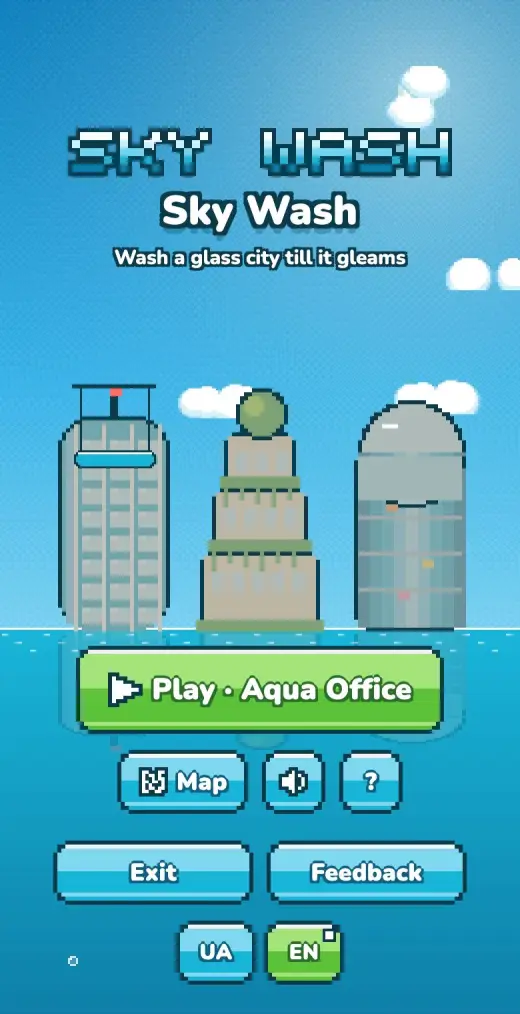 Sky WashSky Wash is a relaxing cleaning game set in a glass city drawn in the Frutiger Aero style, all blue sky and shiny towers.▶ Play
More games like these
Questions
Can I play without logging in?
Yes. There is no login on LightGames.org. Your progress is saved in your browser.
Are these games free?
Yes, all of them, with no ads and nothing to buy.
Do they work on an iPhone?
Yes. Open lightgames.org in Safari or any other browser. You can also add the site to the home screen to open it like an app.
Which one should I try first?
Potion Shelf if you like sorting colors, Glass Locks if you like sliding block puzzles.
Updated 2026-11-27