Zombie survival in the browser
Quiet Zone 2 is a free zombie survival and looting game in dark, detailed pixel art. You play it in the browser on a computer, with no download and no account.
What you do
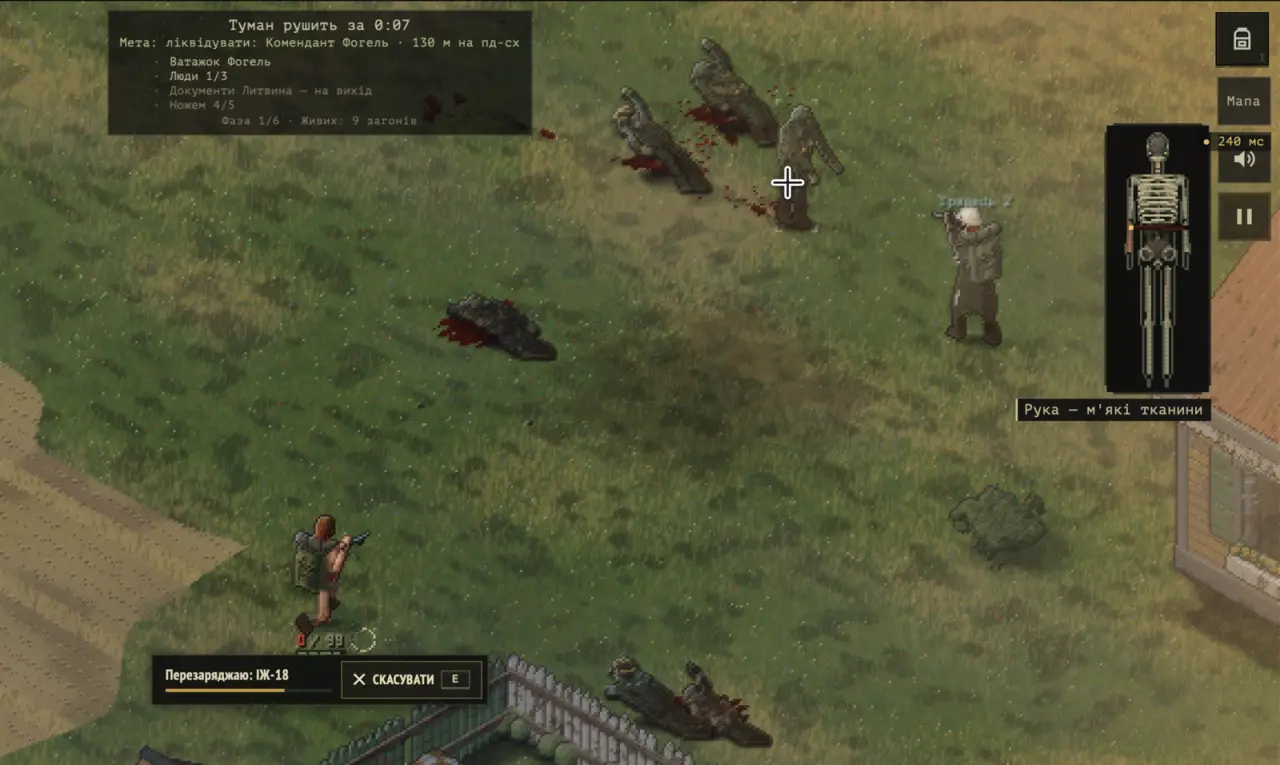
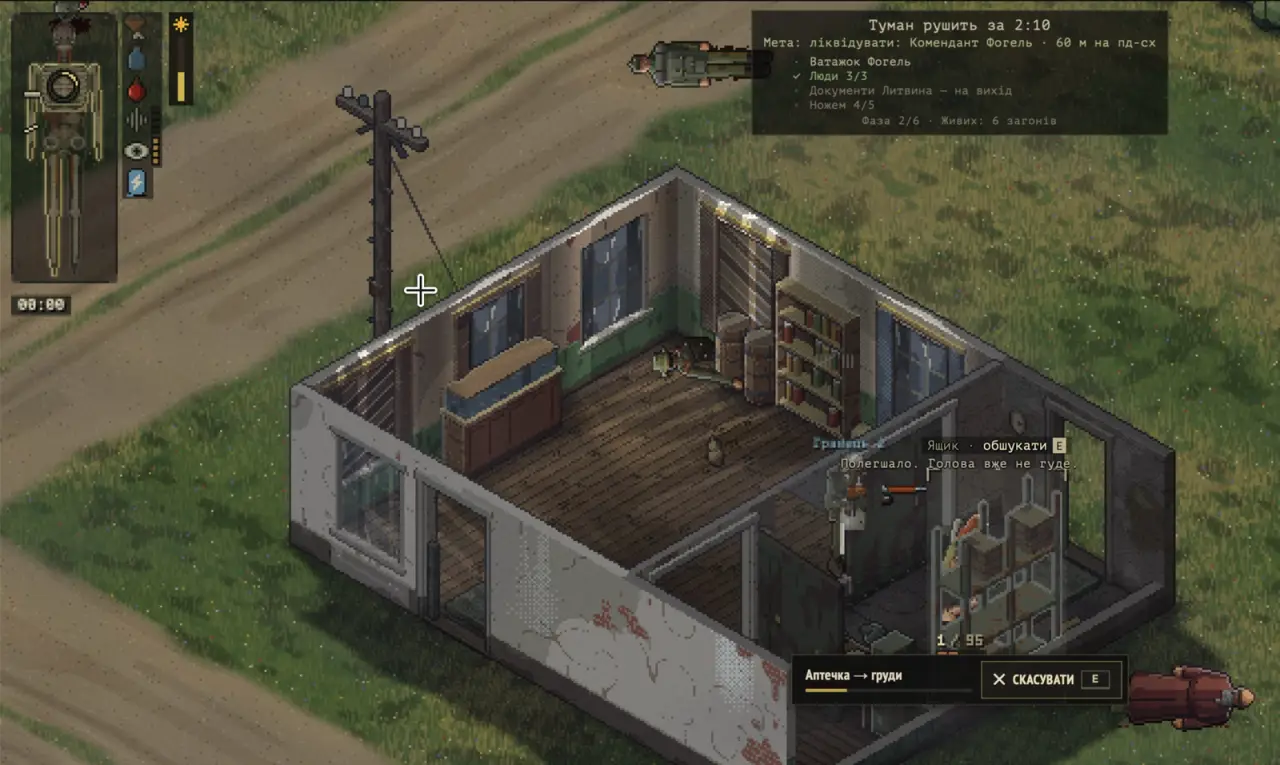
From your camp you go on raids into towns, villages and dacha plots. You search houses, basements and cars for supplies and try to get out alive. Zombies walk alone or in hordes that hear your noise, and armed bandits loot the same streets. Fog slowly closes in, and a helicopter or an exit point is your way out.
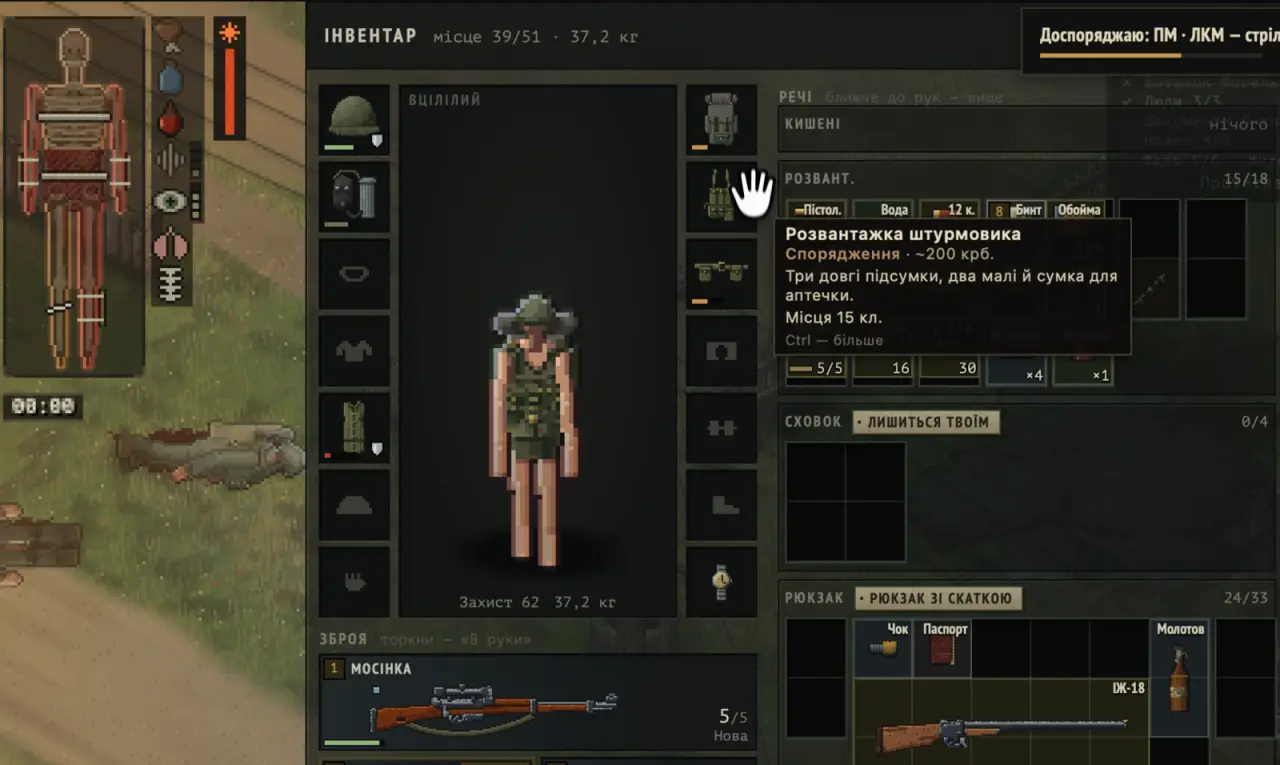
Wounds go by body part. Bleeding, broken bones and pain need bandages, splints, painkillers or a medkit, and you also need food, water and warmth. Back in camp you trade, take tasks from traders and keep your gear in a stash. You can play alone or with a friend online.
Who it is for
People who like slow, tense looting games such as Project Zomboid or extraction shooters, and want one that runs in a browser tab. Loot is scarce and noise is dangerous, so it is a little hard on purpose.
Good to know
You need a computer with a keyboard and mouse, it does not work on phones. The game is in English and Ukrainian. It is in early access, and new zones, buildings and guns come out often. Your camp progress is saved in the browser.
Questions
Is Quiet Zone 2 free?
Yes. It is free and runs in your browser. There is nothing to install and no account to create.
Can I play with a friend?
Yes. Start a raid together online. A badly hurt player falls and crawls, and a teammate can get them back up.
What are the controls?
WASD to move, Shift to run, C to crouch. Hold the right mouse button to aim and click the left one to shoot. E searches and opens doors, R reloads, Tab opens the inventory. Every key can be changed in the settings.
Updated 2026-11-27